Start Guide
Start guide on using Blaxi:

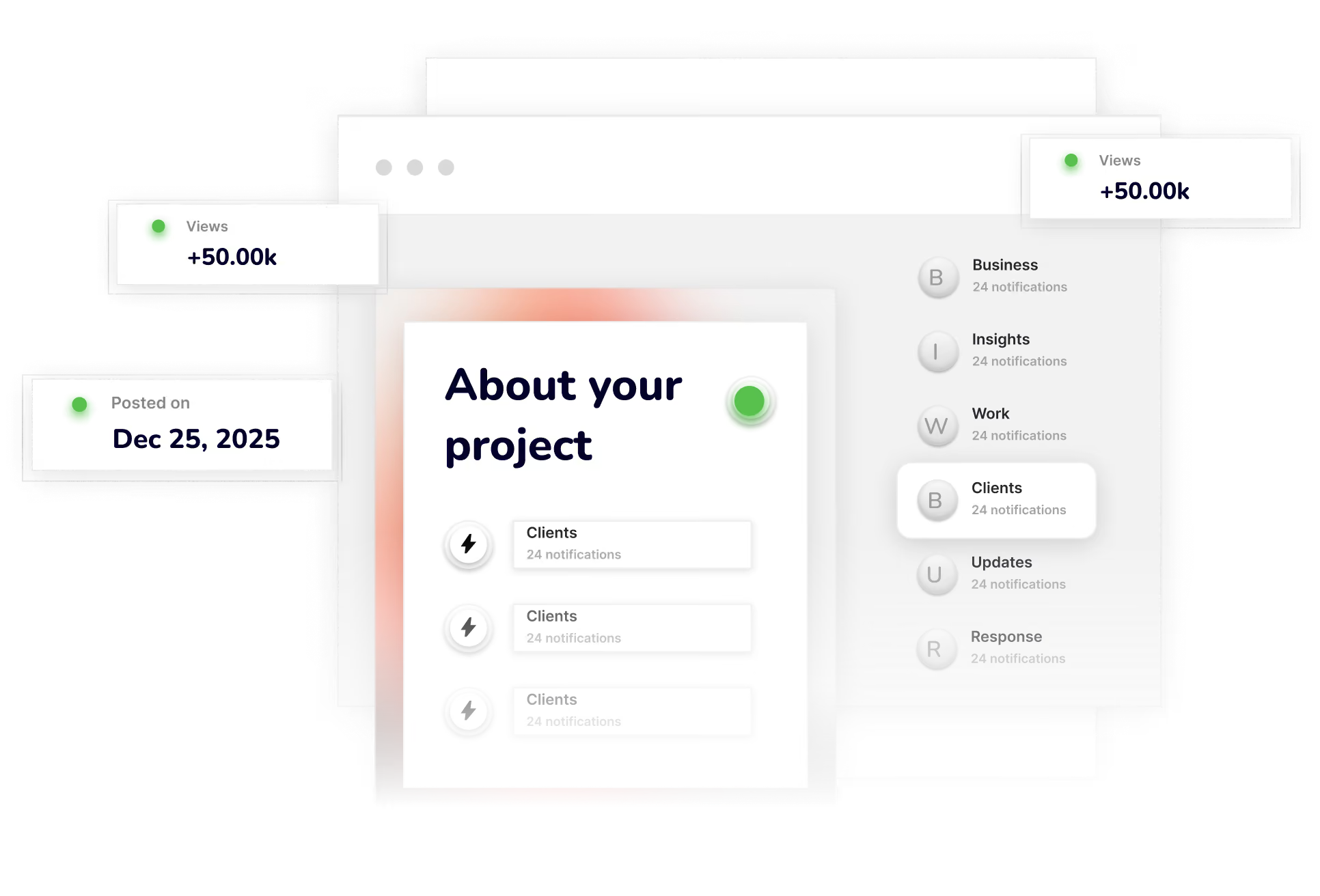
Forget scattered messages, chaotic backlogs, and missed bugs. Blaxi’s Triage gives you a shared space to review, prioritize, and assign incoming work — fast. Whether it’s feature requests or last-minute feedback, your team gets aligned instantly.
Intro to Blaxi
Start guide on using Blaxi:

Core Concepts
- Workflows: Structured flows to manage your projects.
- Automation: Rules and triggers to automate repetitive tasks.
- Spaces: Custom work environments for different teams or departments.
- Smart Inbox: Unified place for triaged and prioritized work.
Why Use Blaxi?
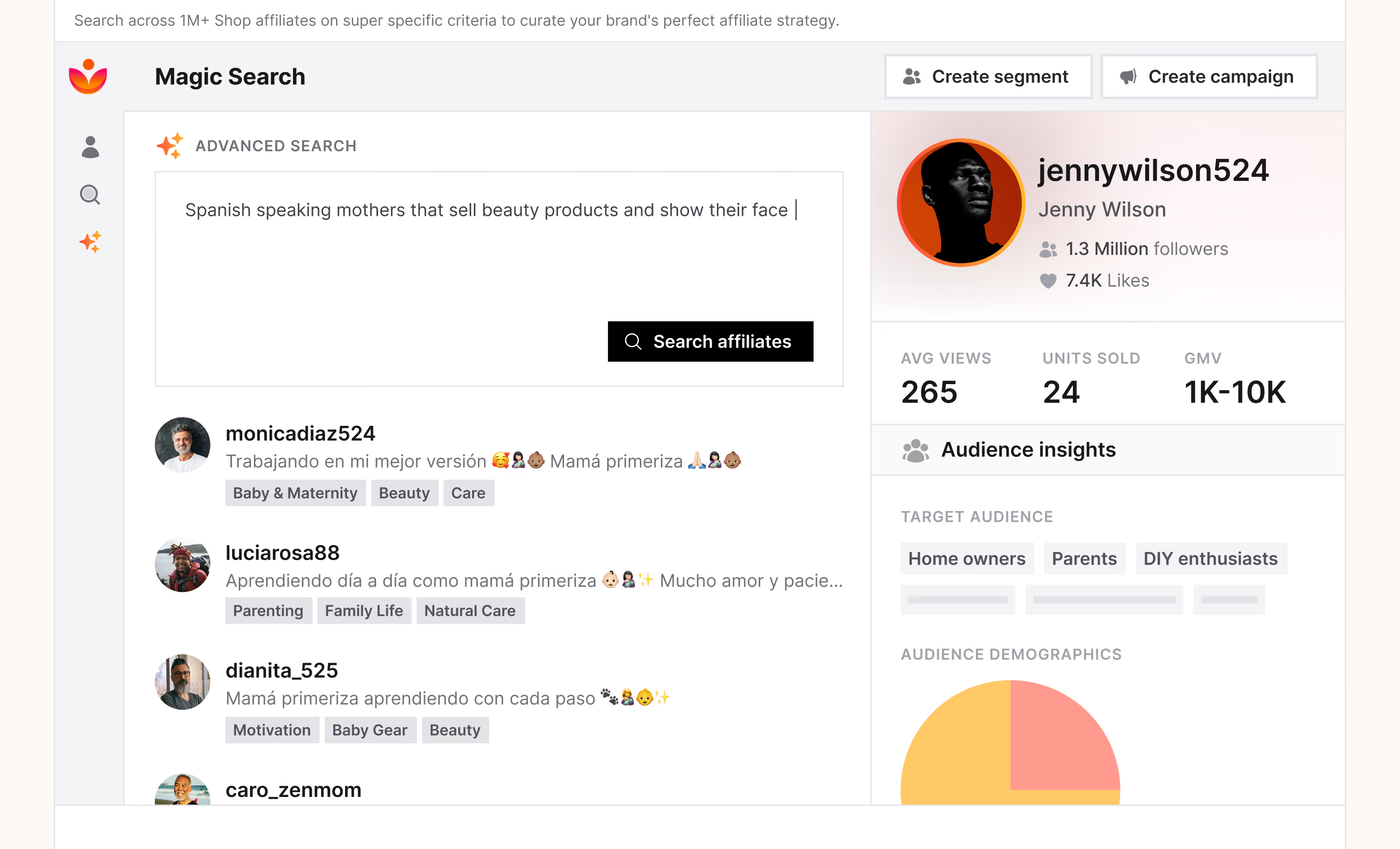
Blaxi isn't just another tool — it's your team’s central nervous system for unplanned work. From feature requests and feedback to critical updates, everything flows through one smart inbox. Say goodbye to scattered messages, context-switching, and confusion.
- Save Time: Automate repetitive actions and spend more time on high-impact work.
- Boost Clarity: Keep everyone aligned on task ownership and priority.
- Scale Easily: Whether you're a startup or an enterprise team, Blaxi grows with you.